Clear fare choices
See the available Gear before you request.

Built for everyday movement
Request a ride, choose the Gear that fits the moment, and stay connected from pickup to arrival.
Gear Rider · Gear Driver · KenyaSee the available Gear before you request.
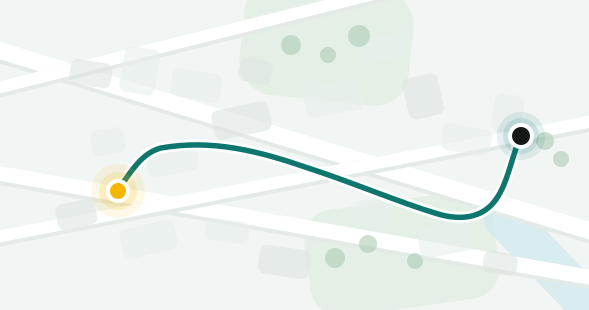
Know the route, pickup and driver details.
Support and safety information stay close.
ONE PLATFORM
Gear brings riders and drivers together through one clear mobility system.
Choose the available service that fits your trip, from Bike and Ride to other choices where available.
Explore Gear RiderA focused driver experience built around active trips, clear actions and staying ready for the next request.
Explore Gear DriverSIMPLE BY DESIGN
The product keeps each step focused on the next useful action.
Set pickup and destination.
Compare the available services.
Follow your driver and trip through arrival.
SAFETY & SUPPORT
Clear driver and trip details, straightforward reporting, and support information designed to be easy to find when it matters.
Explore safetyPickup, destination and driver information stay visible.
Find the right support path without hunting through the product.
GETTING THE APP
Gear Rider and Gear Driver will be available through Google Play. Use the links on gearafrica.com so you know you are installing the official Gear app.
Once installed, updates will continue through Google Play.For requesting rides, choosing your Gear and managing rider trips.
Google Play — coming soonFor receiving trip requests, managing active trips and driver activity.
Google Play — coming soonOfficial download only Avoid APKs or download links that are not provided by Gear Africa or Google Play.
Preparing for Google Play
Rider and Driver releases will link here as they become available.